

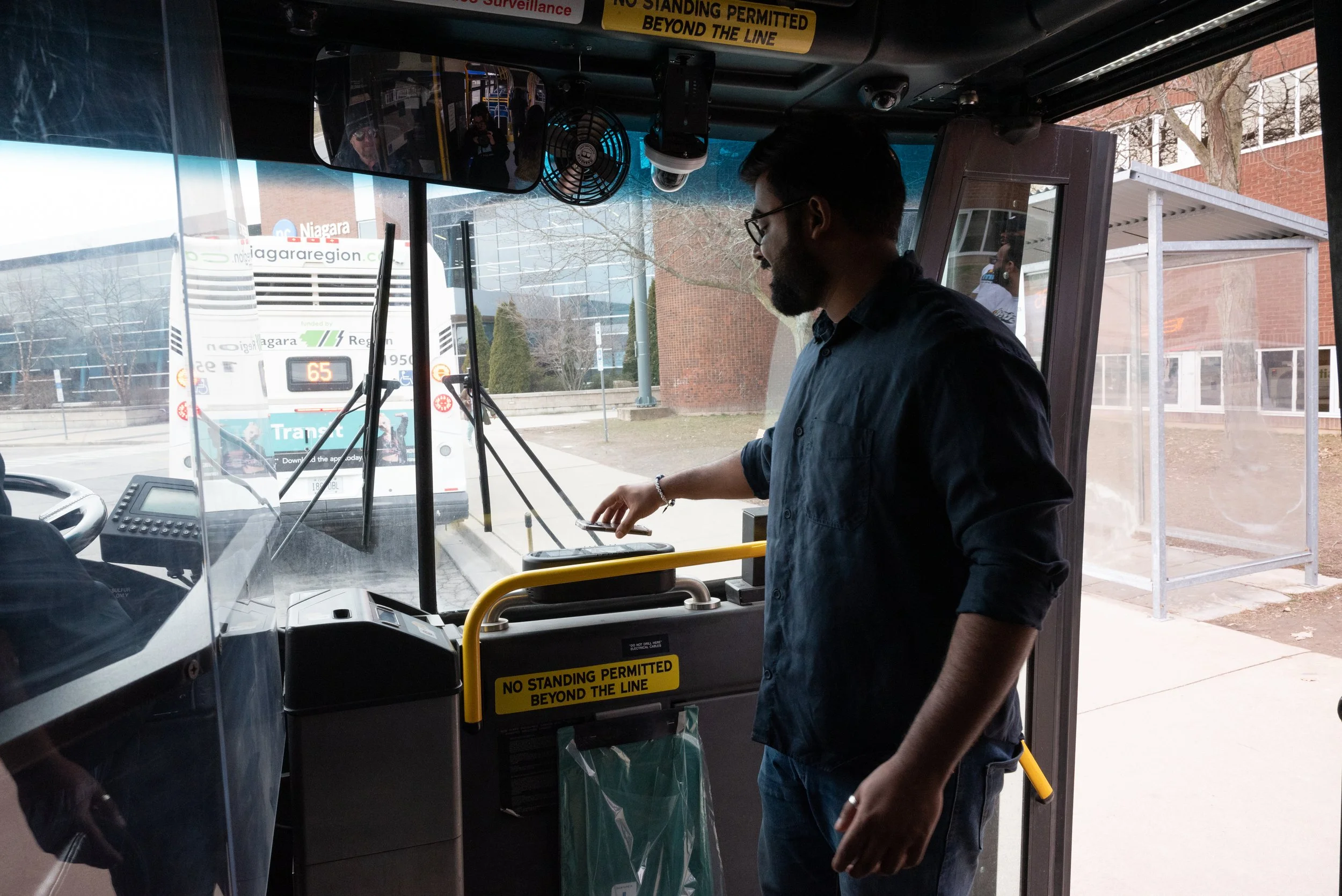
This page will teach you everything you need to know about your U-Pass.
Important information & frequently asked questions.
Important
Routes, frequency, and transit regulations may change at any time. Please continue to monitor the Niagara Region Transit Website for any changes.
How to Register Your U-Pass.
Step 1
Download the Transit App on your phone

Step 2
Open the app and click on the Profile Picture in the top left corner of the screen (it might be a different icon)

Step 3
Scroll to the bottom and click Niagara Transit
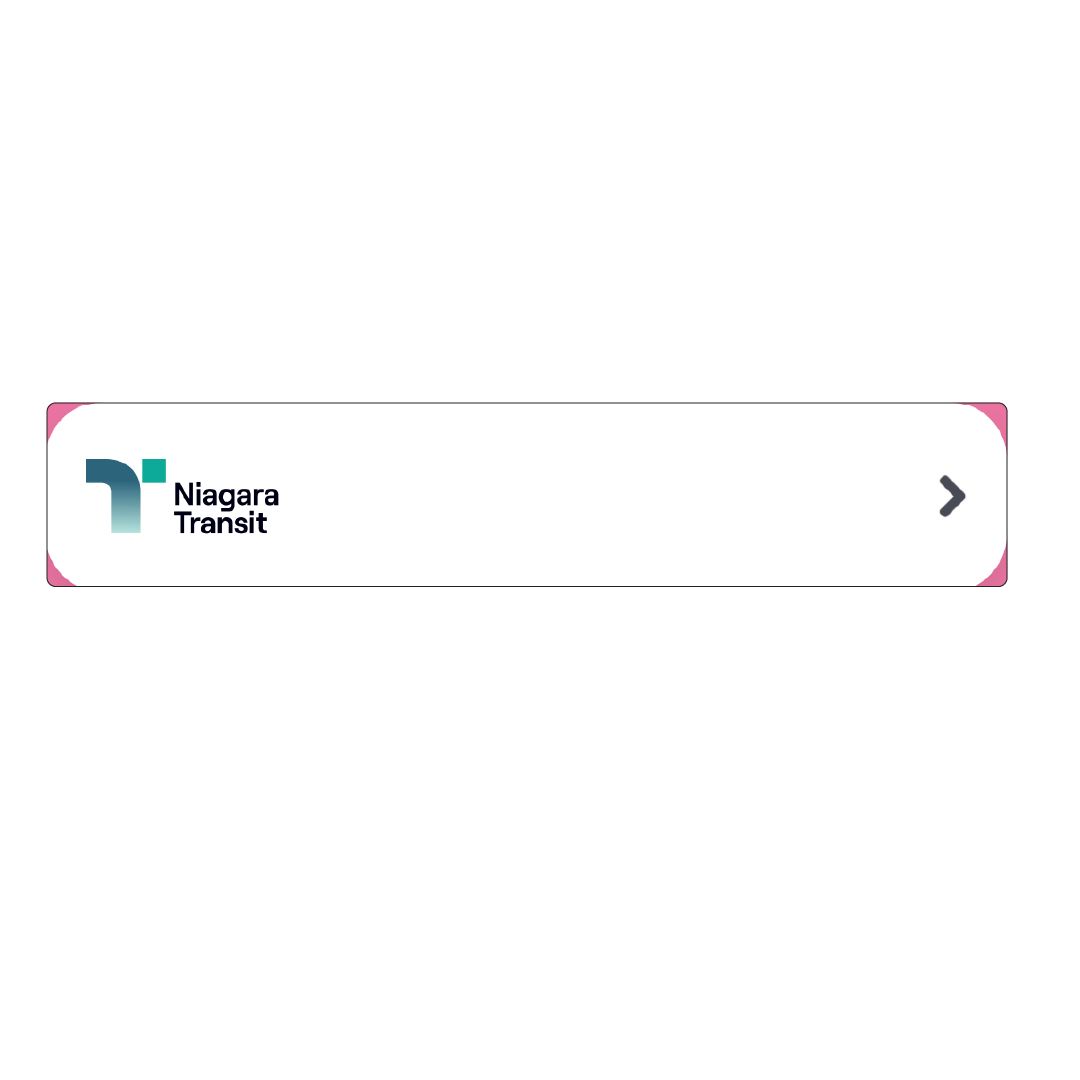
Step 4
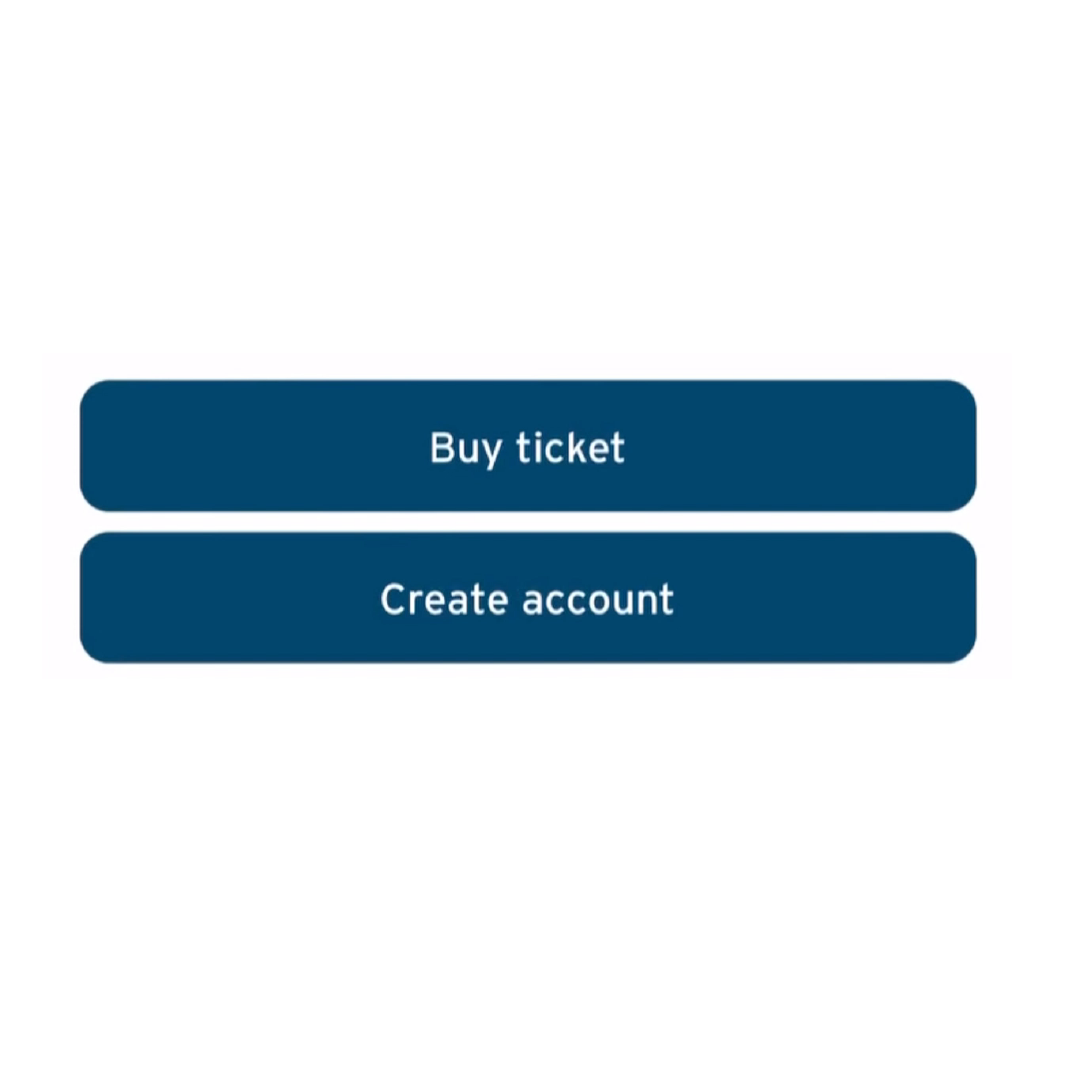
Click Create Account
Step 5
Type your NC Student Email in the space to register
@ncstudents.niagaracollege.ca
Step 6
Activate your U-Pass by clicking Activate at the bottom of the main screen as soon as you get the U-Pass on your app (It might take 24 hours)
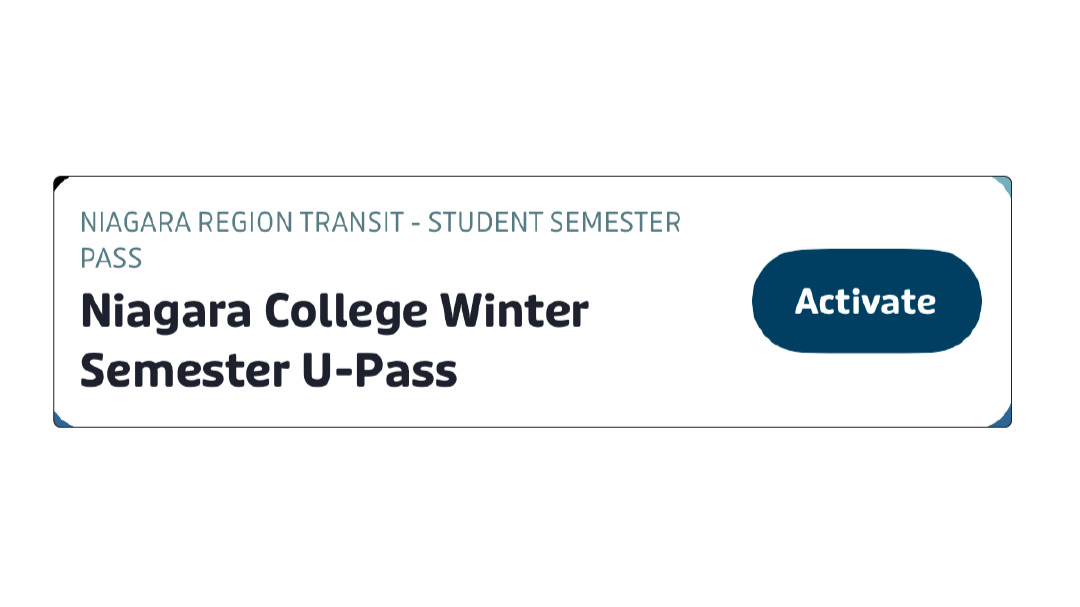
Download the Transit App (see buttons below) and register with your NC Student Email (that’s the one that ends with @ncstudents.niagaracollege.ca) on the Niagara Region Transit Portal on the app.
Make sure you register by September 3rd, 2026, to get your pass by the first week of September. You can use your NC Student Card or Class Timetable to ride the bus from September 1st - September 25th, 2026, while you wait for your pass to display within the app.
If you are currently enrolled with the Transit App, and are continuing your studies in September 2026, your pass will display on the app during the first week of September (use your student card / timetable until it displays)
If you are looking to activate your pass after September 25th, 2026 you will need to come directly to the NCSAC office to do that.
Welland Office - SA205
NOTL/DJP Office - N010
Fall 2026:
Information.

Transit Do’s and Don'ts
-
Do:
Register with your NC Student Email on the Transit App to receive your U-Pass
-
Do:
Make sure your phone is charged and ready to use
-
Do:
Make sure your NC Student Email is spelled correctly when you register
-
Don't:
Log in on multiple devices (you’ll be locked out)
-
Don't:
Delete your account and register again if you are not seeing your pass (you’ll be locked out)
Frequently Asked Questions
-
The U-Pass is a Universal Bus Pass program, which enables eligible Niagara College students, the ability to ride all Niagara Regional Transit buses during their programs of study at Niagara College for a mandatory fee of $280/semester.
-
The UPass will take a few days to show up in your account. We encourage all students to register as soon as possible to have access to the pass for the first day of class.
-
The U-Pass is a mandatory fee that all full-time students pay at Niagara College and cannot be refunded. We highly encourage all students to sign-up for your U-Pass even if you drive to campus. It’s a valuable tool if your car breaks down or if you’re out and about with friends.
If you’d like more details on this process, please click here:
-
If you're a student who is looking for specialized transit, you'll need to apply through this link https://nrtransit.ca/specialized-transit/
When using the service, you will need to use two apps. One app, the NRTPlus App, will be used to book and track your trip. The second app will be the Transit App that holds your UPass. You will use the transit app to show your Upass and scan it once your ride arrives.
For more information please visit the link below:
Changes coming to NST, NRT OnDemand and FAST - Niagara Region Transit (nrtransit.ca)
-
If you are entering a co-op semester, please note that you are not charged for the UPass Fee. If you require the UPass for your co-op, please email either sacreception-nl@niagaracollege.ca for NOTL Campus students, or sacreception-wc@niagaracollege.ca for Welland Campus students with your name, student number, and your request to opt into the UPass for your term. Once you've opted in, the UPass will be charged to your student account.
-
Only NC students that are enrolled in active classes are eligible for the U-Pass. If you have graduated or are on a “break semester”, you will not be charged for the U-Pass and will not have access to the U-Pass program. You will have to purchase a daily, 31-day or 10-ride pass through Niagara Regional Transit during those times.
-
All eligible NC U-Pass students can ride any Niagara Regional Transit bus with their U-Pass. The U-Pass also works for students looking to use Niagara Regional Transit OnDemand service. Use of the GO bus in NOT included in your U-Pass fee.
-
No, a separate pass is required to access WEGO busses.
-
The Niagara Region Transit (NRT) will take over the operation of the WEGO Red Line. This line will be renamed Route 116 (Weekdays) and 216 (Evenings/Weekends), and you can use your UPass to take this bus.
-
No, your Niagara College U-Pass is valid for the Niagara Regional Transit and local buses branded with Welland, Niagara Falls & St Catherines. It is also valid for Niagara Regional Transit OnDemand transit. The GO Transit (large green buses) buses WILL NOT accept your U-Pass.
-
Routes to campus can be found on Transit App.
-
Niagara Regional Transit offers a robust transit service with many buses starting at 7am and ending service at 10pm.
-
Please reach out to jatanguay@niagaracollege.ca if you do not have a phone to access the pass and NCSAC will work together to make sure you get access to the U-Pass.
-
All students with U-Pass concerns are encouraged to fill out a U-Pass complaint form. Click Here
-
In 2025, NCSAC held a referendum (student vote) where the students at Niagara College approved a mandatory fee with a vote of 81% in favour for a U-Pass. A student referendum is recognized as a Ministry of College & Universities approved process to implement new mandatory ancillary fees at post-secondary institutions across Ontario.
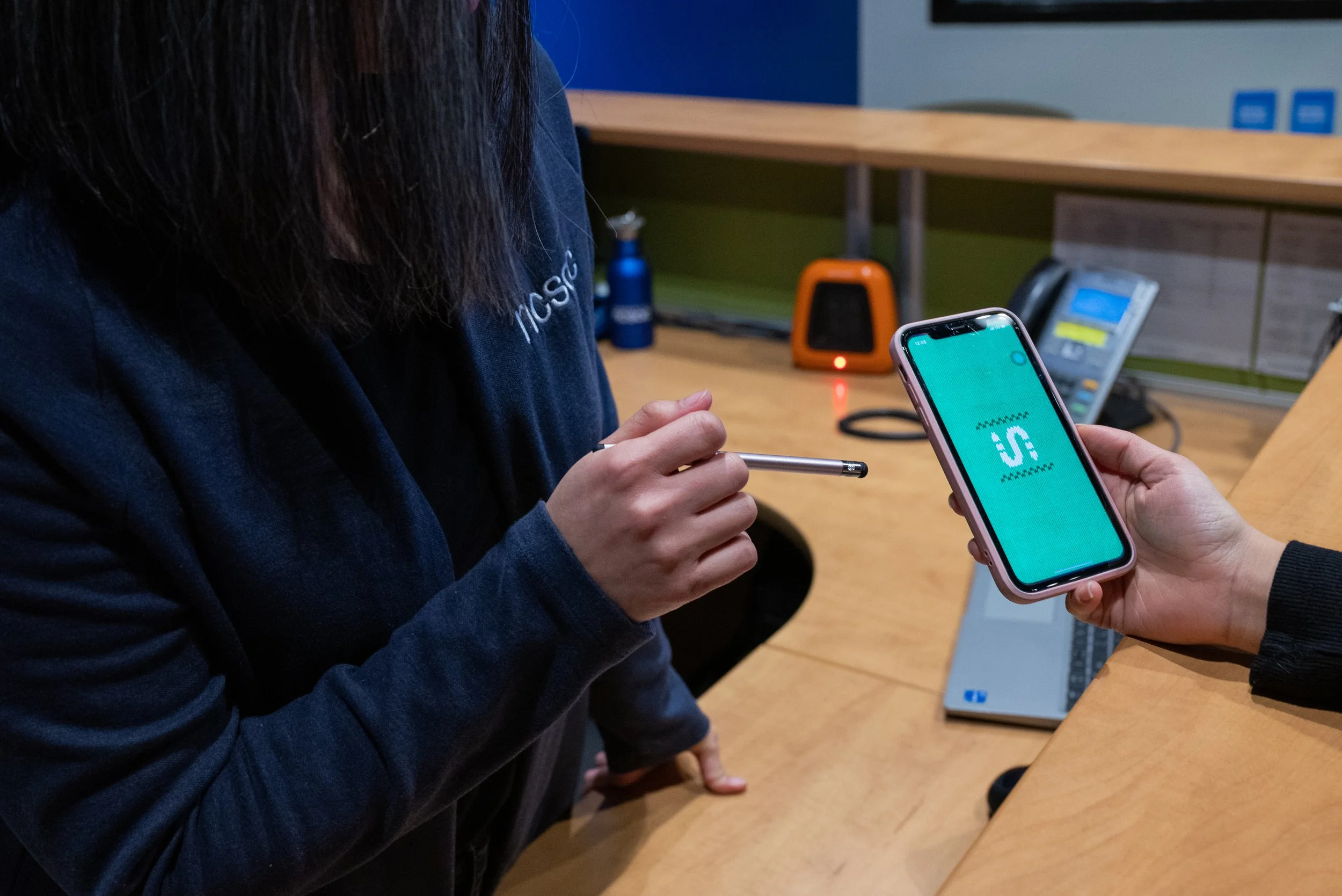
Got Transit Questions?
If you have questions, comments, or concerns in regards to transit, we encourage you to submit a response to our Transit Feedback Form. Or, please visit our offices to speak to a Student Services Assistant.